

SIP Trunking for VICIdial: A Call Center Guide
What to confirm with your carrier, how to plan capacity, and what to test before connecting a VICIdial campaign.
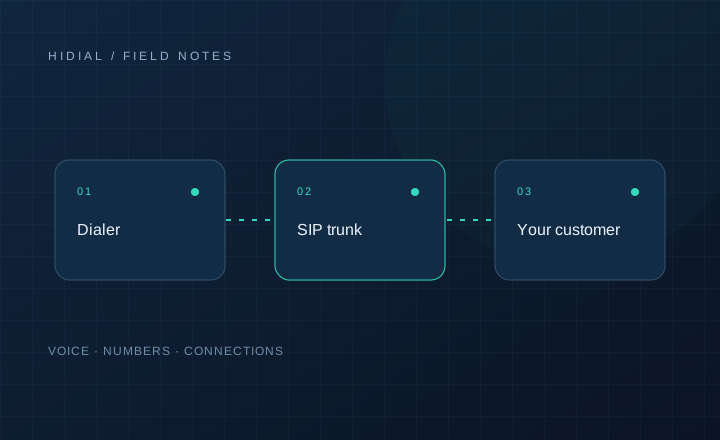
A SIP trunk connects your calling platform to a voice provider. VICIdial manages campaigns and agents; the trunk carries calls between your Asterisk servers and the telephone network. A working connection needs more than a hostname and a password. Authentication, number formatting, media routing, and capacity all need to match your provider’s requirements.
Start with the actual calling workload
Tell the provider which countries you call, whether traffic is inbound or outbound, and how the dialer places calls. A predictive campaign may create many dialing attempts while agents are speaking with relatively few customers. Capacity planning should account for both active calls and new call attempts.
Ask about simultaneous call limits and calls per second separately. Also confirm which destinations and traffic types are allowed. A quote for general office calling may not cover the same workload as an outbound contact center.
Confirm authentication and number formatting
Your provider may authenticate by source IP, by credentials, or through registration. Ask which method applies to your account and which server addresses must be authorized. If you use multiple Asterisk servers, confirm each address rather than assuming authorization applies to the entire deployment.
Document the required dialed-number format, caller ID format, supported codecs, and signaling transport. Confirm whether your deployment uses chan_sip or PJSIP before applying examples. Configuration written for one driver is not interchangeable with the other.
VICIdial’s carrier and dialplan configuration should preserve the logging and call handling required by your installed version. Copying an old example without checking the surrounding dialplan can produce calls that connect but are handled incorrectly by the dialer.
Treat audio as a separate test
A successful SIP response does not prove that audio works in both directions. SIP handles signaling; RTP carries the audio. Firewalls and network address translation can allow the first while disrupting the second.
Review public and private addresses, the provider’s media requirements, and the RTP range configured on your server. Restrict access to the intended peers. The Asterisk NAT documentation explains settings such as external signaling and media addresses, but the correct values depend on your network and channel driver.
Test the complete agent workflow
Use a small test campaign before increasing traffic. Verify:
- Outbound calls reach representative destinations and present the intended caller ID.
- Both parties hear clear audio, including after a transfer.
- Inbound calls reach the correct DID, queue, or in-group.
- DTMF works through any IVR involved in the call.
- Agent dispositions and call records are created correctly.
- A disconnected call clears instead of occupying a channel.
Keep timestamps, dialed numbers, SIP Call-IDs, and a short description of each failure. These details let your provider correlate the problem with its own records.
Agree on limits and escalation
Record how capacity increases are requested and who handles failures outside business hours. Ask how rejected attempts, connected calls, and destination-specific charges are billed. Test any backup route before relying on it; failover behavior depends on your dialplan and the failure conditions it receives.
When discussing a setup with HiDial, include your VICIdial and Asterisk versions, server count, destination countries, and expected peak calling load. Contact HiDial to discuss the connection requirements.