

How to Choose a VoIP Provider for Outbound Campaigns
Compare traffic acceptance, capacity, billing, troubleshooting, and support using a controlled pilot rather than price alone.
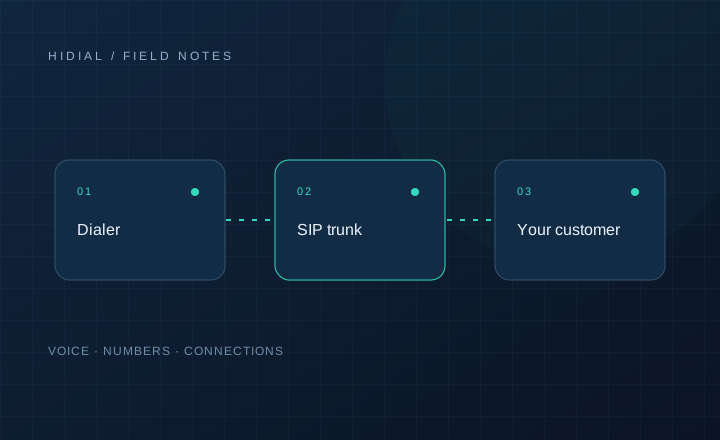
The lowest advertised per-minute rate does not tell you whether a provider fits your campaign. Your dialer may place bursts of attempts, call several destination networks, and require fast investigation when failures occur. Start by describing that workload, then compare providers against the same requirements.
Describe your traffic before asking for a rate
Provide destination countries, expected monthly minutes, peak simultaneous calls, and the maximum rate of new call attempts. Explain whether agents dial manually, progressively, or predictively, and whether callbacks must return to your system.
Ask the provider to confirm that it accepts your use case. Traffic restrictions, account verification, and destination coverage should be clear before you move campaigns. Avoid relying on a general statement that the service is “unlimited.”
Compare billing on a realistic sample
Request billing increments, minimum charges, setup fees, number rental, deposits, and destination-specific pricing. Ask how answered calls and unsuccessful attempts appear in the bill. Clarify currency, taxes, and balance alerts.
Use a representative set of call records to compare proposals. A headline rate can hide differences in rounding, destination mix, or additional charges. Document what the quote includes instead of assuming two providers use the same definitions.
Check capacity and connection requirements
Confirm simultaneous channels and calls per second separately. Ask what happens when either limit is reached and how additional capacity is approved. Verify authentication, supported codecs, caller ID requirements, and number formatting.
If you run VICIdial or another Asterisk-based dialer, explain the server layout. Multiple servers may require separate authorized IP addresses and routing arrangements. Ask for the configuration requirements that apply to your installed channel driver.
Run a controlled pilot
Use a small portion of permitted traffic and keep the campaign settings consistent. Compare connection failures, call setup time, two-way audio, and DTMF behavior across representative destinations. Record SIP responses and provider call identifiers where available.
Answer rate is useful, but it is not a carrier-only metric. Lead sources, dialing time, agent availability, and caller ID presentation can all affect it. Do not present a change in answer rate as proof of route quality without investigating those other factors.
Test the support process
Open a technical ticket with a real test failure. Supply timestamp and timezone, calling and called numbers, SIP Call-ID, and the symptom. Evaluate whether the provider can correlate the call and explain what happened.
Ask about support hours, escalation contacts, and the information required for urgent incidents. If an SLA is offered, read the actual scope and exclusions. Marketing terms such as “priority support” are difficult to compare without a defined process.
Choose a provider you can operate with
Create a comparison sheet covering traffic acceptance, total cost, capacity, pilot results, billing visibility, and support. Keep the evidence alongside the quote. Revisit the decision when your destination mix or peak traffic changes.
Talk to HiDial with the same workload details you use to evaluate other providers. A specific description of your campaign makes the discussion about routing and provisioning more useful.