

DID Numbers: What They Are and How to Use Them for Sales, Support, and Verification
A DID, or Direct Inward Dialing number, gives customers a telephone number that routes to a specific destination in your business system.
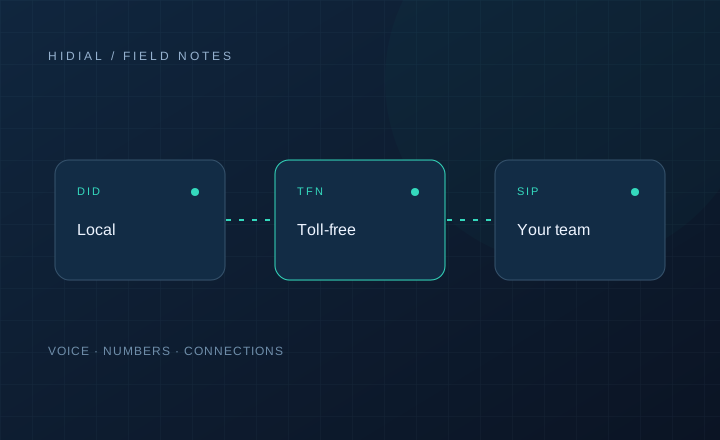
A DID, or Direct Inward Dialing number, gives customers a telephone number that routes to a specific destination in your business system. That destination may be an employee, sales queue, support team, IVR, or another approved application.
A DID does not require a separate physical phone line for each employee. Your provider delivers the call to your system, and your configured routing decides what happens next.
Use DIDs to organize sales calls
Assign business numbers to territories, campaigns, or lead sources when that distinction helps your operation. Keep the displayed caller ID accurate and make sure callbacks reach the right team.
Local area codes can represent service areas, but they do not guarantee better answer rates. A callback to a familiar company number may be more useful than an unfamiliar local number. Avoid using numbers to imply a physical office you do not have.
Track inbound sales and marketing sources
Separate numbers can help identify which published channel generated a call. For example, a landing page and a printed campaign can use different numbers and route to the same sales queue.
Campaign-level attribution is different from knowing the exact keyword or customer journey. More detailed tracking requires the website, CRM, and call-tracking application to exchange the necessary data.
Route customers to support
Department-specific numbers can send callers directly to billing, claims, technical support, or a language-specific queue. Dedicated lines for key accounts can route to an assigned representative when that person is available.
Plan overflow, voicemail, and after-hours handling. A direct number does not guarantee an immediate answer; the destination needs a working availability and fallback policy.
Treat voice and messaging capabilities separately
Some numbers support voice, messaging, or both, depending on the provider and activation requirements. Voice provisioning does not automatically enable SMS, MMS, or third-party account verification.
Verification applications may send codes through an approved voice or messaging workflow. Confirm supported capabilities, registration requirements, security controls, and the recipient platform's acceptance rules. Number possession alone is not proof that a number can receive every service's verification messages.
Consider privacy in proxy calling
A marketplace or service application can route calls through business-controlled numbers so participants do not directly share personal numbers. This requires an application to manage the mapping, authorization, and call lifecycle; a purchased DID alone does not provide that functionality.
Maintain the number inventory
Record the provider, account, business owner, campaign, and destination for each number. Test inbound audio, DTMF, callbacks, and after-hours routes before publishing the number. Audit unused numbers before releasing them, and coordinate voice and messaging providers when those services are separate.
Contact HiDial with the number types, coverage, destinations, and capabilities you need.