Business Phone Systems for Remote Sales and Support Teams
Remote teams need phone systems that work outside the office without making calls harder to manage.

Remote teams need phone systems that work outside the office without making calls harder to manage. Sales reps may be working from home, support agents may be in different cities, and managers still need visibility into calls, recordings, reports, and customer activity.
A basic phone line is usually not enough. Remote sales and support teams need a business phone system that can handle routing, caller ID, queues, transfers, recordings, reporting, and integrations with the tools they already use.
What Remote Teams Need From a Phone System
Remote teams need flexibility, but they also need control.
Agents should be able to make and receive calls from wherever they work. Managers should be able to see call activity, review recordings, track missed calls, and adjust routing without relying on a physical office phone system.
A good remote phone setup should support:
- Inbound and outbound calling
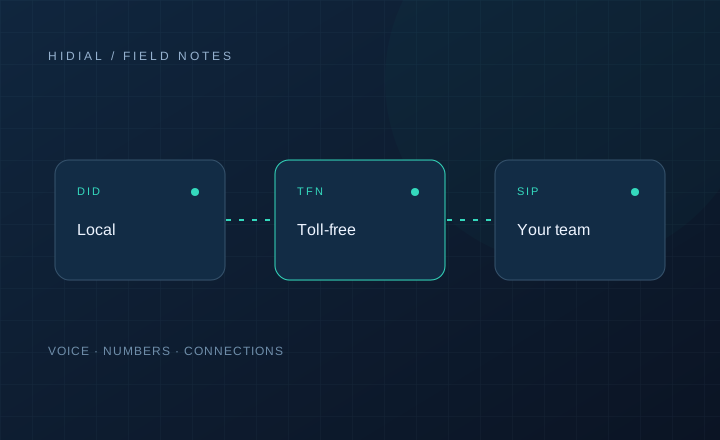
- Local and toll-free numbers
- Call routing by team or department
- Voicemail and missed call handling
- Call recording
- Transfers
- User permissions
- Reporting
- CRM or dialer integration
- Backup routing if an agent is unavailable
The system should be simple for agents, but structured enough for managers.
Sales Teams Have Different Needs Than Support Teams
Remote sales teams usually care about outbound calling, caller ID, answer rates, lead tracking, and follow-up. They may need local numbers, click-to-call, call dispositions, CRM notes, and campaign reporting.
Remote support teams usually care more about inbound routing, queues, availability, call history, escalation, and customer experience. They need calls to reach the right person quickly, even if the team is spread across different locations.
Some businesses need both in the same system. Sales may use outbound campaigns during the day, while support handles inbound customer calls.
Why SIP Trunking Matters
SIP trunking connects your phone system, dialer, or call center platform to the voice network. For remote teams, a stable SIP setup helps keep calls consistent across users and locations.
If your business uses ViciDial, FreePBX, a CRM dialer, or a custom platform, the SIP provider affects call quality, routing, caller ID, and uptime.
Poor SIP routing can create failed calls, audio issues, dropped calls, or missed inbound calls. For remote teams, these problems are harder to diagnose because agents are not all on the same network.
Caller ID and Number Strategy
Remote teams should not rely on personal cell phone numbers for business calling.
Business numbers give the company more control. Calls can be recorded when needed, routed properly, tracked in reports, and reassigned if an employee leaves.
Sales teams may use local numbers by region. Support teams may use a toll-free number or main company number. Managers should decide which numbers are used for each purpose and where callbacks should go.
CRM and Dialer Integration
A phone system becomes more useful when it connects with the tools your team already uses.
For sales teams, calls should connect to leads, contacts, notes, and follow-up tasks. For support teams, call history should connect to customer records, tickets, or cases.
If your team uses ViciDial, the phone system should support campaign calling, inbound routing, transfers, and reporting. If you use AI voice agents, the setup should support smart transfers and clean handoff to live agents.
Security and Access Control
Remote calling needs clear access rules.
Not every user should have permission to change routes, download recordings, modify caller IDs, or access all call data. Managers should be able to assign permissions based on role.
It is also important to remove access quickly when someone leaves the company. Business phone numbers and call history should stay with the business, not with individual employees.
What to Check Before Choosing a System
Before choosing a business phone system, ask how your team actually works.
Do agents need a browser phone, softphone, desk phone, or mobile app? Do managers need live monitoring? Are calls recorded? Do you need call queues? Will calls connect to a CRM or dialer? Do you need local numbers, toll-free numbers, or both?
Also check support. When remote agents have call quality issues, you need a provider that can help identify whether the problem is the internet connection, device, SIP trunk, routing, or phone system.
Discuss your setup
Contact HiDial with your phone-system layout, numbers, destinations, and routing requirements.